







What's the smartest first step to launch a new AI product with a small budget?
Powered by
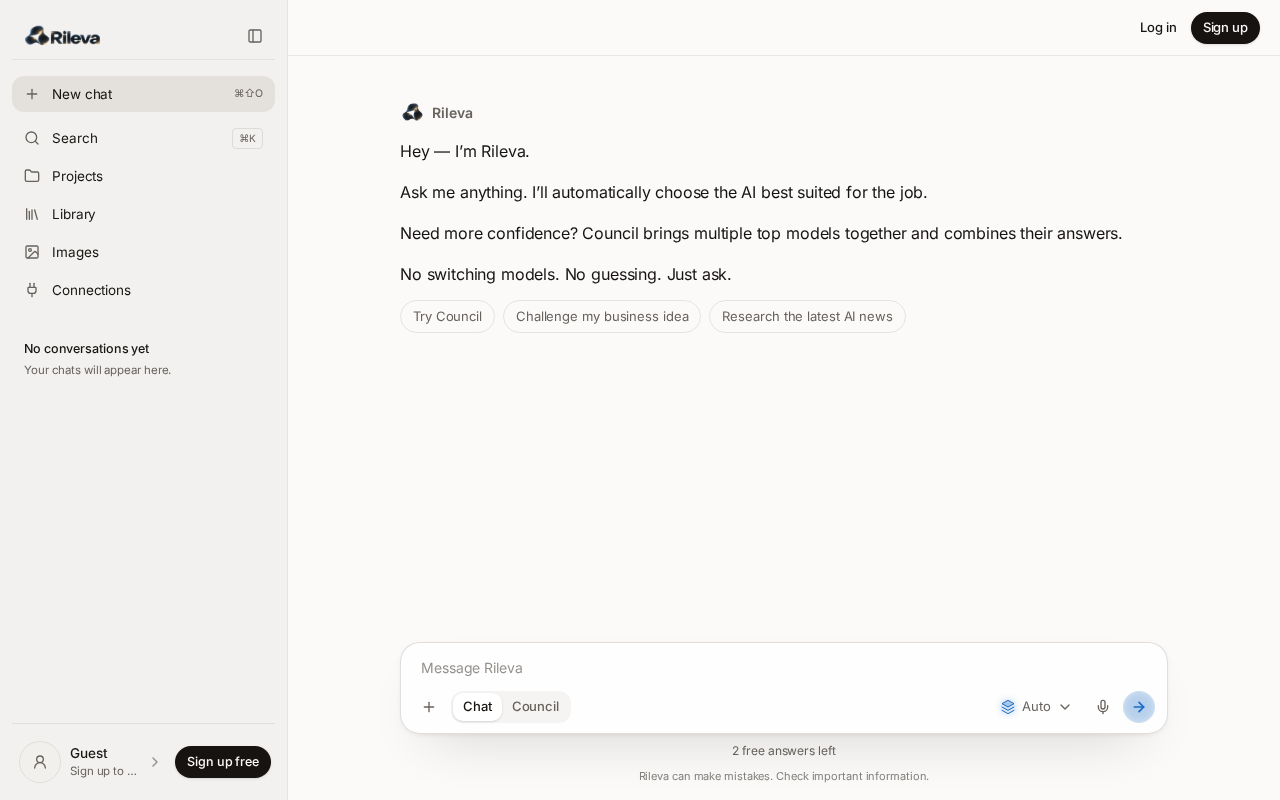
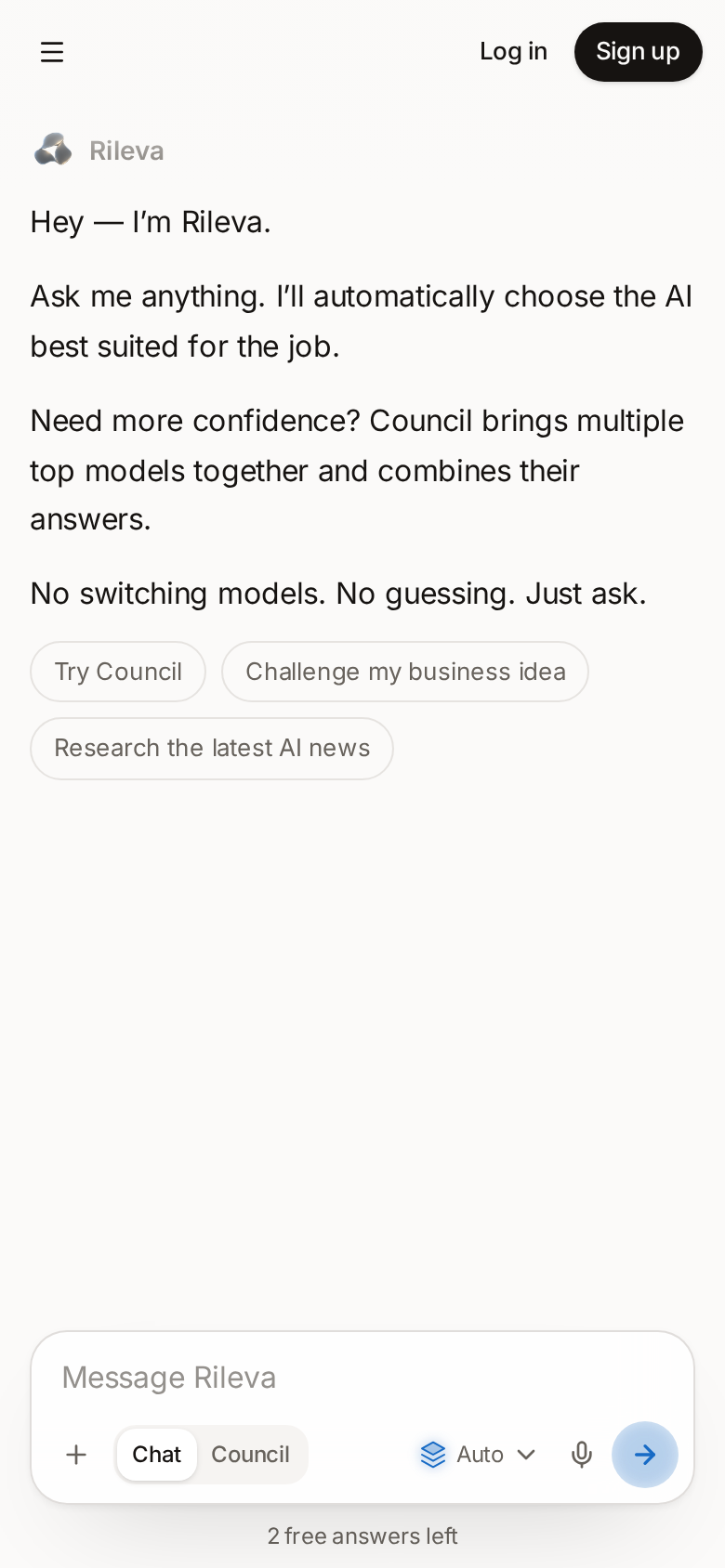
Stop choosing between AI models.
Ask once. Rileva routes each task to the model best suited for it — or brings several models together when one answer isn’t enough.
Try Rileva free
No credit card required
Validate demand before you build more. With a small budget, the cheapest signal is a real conversation:
- Pick one painful use case and write a one-page landing page for it.
- Open a waitlist and personally reach out to 50 people who have that problem.
- Run 15–20 short calls and ship only what repeats across them.
Spend on ads only once people are asking when they can start.
Now turn that strategy into a short launch email.
Subject: We built this for the problem you told us about
Hi — a few weeks ago you shared how much time goes into this every week. We listened, and we built a first version around exactly that.
We're opening it to a small group first. Reply "in" and I'll send your invite today — and I'd love 15 minutes of your honest feedback.
Ask Council whether this launch strategy is actually the best approach.

 Rileva Council · 3 models
Council · 3 models consulted
- GPT-6 Astra6.2s
- Claude Opus 5.57.4s
- Gemini 3.1 Pro5.8s
The short answer: it's a strong start, but not complete on its own. Keep the validate-first approach and add one channel that reaches beyond your existing network.
Where they agree
Talking to real users before spending on ads is the right first move, and a personal, problem-led email beats a generic announcement.
Where they differ
- GPT-6 Astra favours depth: fewer, longer calls, because early learning matters more than reach.
- Claude Opus 5.5 would sharpen the message around a single pain point before sending anything.
- Gemini 3.1 Pro warns warm outreach alone can't prove wider demand, so it adds one community launch.
What it depends on
If you already have 50+ warm contacts, start there. If not, lead with the community launch.
The models agreed on the core approach and differed on reach versus depth.
GPT-6 Astra
6.2sYes—with a tighter definition of success.
The validate-first strategy is the right use of a small budget because it buys evidence before reach. A focused waitlist and 15–20 interviews should reveal whether the problem is urgent, who feels it most, and which objections repeatedly block adoption.
Treat the launch as a learning system rather than a one-day event. Track qualified replies, interview acceptance, and how many people ask to try the product—not impressions or raw sign-ups.
Recommended next move
Set a two-week target: 50 direct conversations, 20 interviews, and five users willing to test or pay. If those signals appear, expand into one public channel and document what changes in a public changelog.
Claude Opus 5.5
7.4sMostly—but the message needs to become more specific.
The personal email is a strong starting point, yet it currently leads with the fact that you built something. Prospective users care first about the costly, frustrating moment the product removes. Name one audience, one recurring problem, and one credible outcome.
Keep the invitation small and conversational. Asking for a reply is lower-friction than sending people straight to a generic sign-up page, and it creates the qualitative feedback this stage needs.
Recommended next move
Write three versions around the three strongest pains from earlier interviews. Send each to a small matched group, compare reply quality, then use the winning language on the landing page and in the product itself.
Gemini 3.1 Pro
5.8sPartly—the plan needs one test beyond your existing network.
Warm outreach is efficient, but it can overstate demand because recipients already know or trust you. That makes it useful for refining the offer, not sufficient for proving that the market will discover and choose the product independently.
Add one concentrated community test where the target audience already discusses this problem. Use the same promise and call to action so the two channels produce comparable evidence.
Recommended next move
Choose one relevant forum, newsletter, or launch community—not several. Compare qualified conversations and activation from warm outreach versus that audience before spending on paid acquisition.
Rileva can make mistakes. Check important information.
Powered by the leading AI labs
- OpenAI
- Claude
- Gemini
- Grok
- Mistral
- Perplexity
01 — Auto
Ask once. Rileva chooses who answers.
Rileva reads what you asked for and routes it to the model whose strengths fit that kind of work. It is a judgement, not a claim of perfection. You can lock a model or return to Auto at any time.
- 1
You ask one question.
Just say what you need. No model picker, no prompt engineering, no settings.
- 2
Rileva understands what it needs.
It reads the request and judges which model's strengths fit it — careful reasoning, nuanced writing, live research, large files, or speed.
- 3
The right model answers.
The best-suited model replies, and the answer always says who wrote it.
Research the biggest competitors in the AI-router market.
Perplexity Fastchosen by Auto
I’ll compare the current multi-model products by positioning, model access, workflow, and pricing, then separate direct competitors from adjacent tools.
SourcesMarket mapPricing compared
Same conversation · context retained
Now build the TypeScript architecture for this.
Claude Haiku 5.5chosen by Auto
Start with one routing contract. Keep provider adapters isolated, stream through a shared event shape, and make retries idempotent.
interface Router {
  decide(req: ChatRequest): Promise<RouteDecision>;
  execute(decision: RouteDecision): AsyncIterable<Token>;
}
Same conversation. Different task. Different model.
02 — Council
Ask three models at once. Get one synthesized answer.
Council puts the same question to several leading models, then writes one clear synthesis: where they agree, where they differ, and Rileva’s conclusion. The full perspectives remain available to read.
GPT-6 Luna29.5s
The challenge verdict: don’t commit to the original recommendation as written. It overstates the shared evidence and treats several distinct risks as one decision.
The strongest challenge
Demand matters before scale. Test the premise with a small, reversible commitment.
Claude Haiku 5.525.5s
A challenge round makes the hidden assumption visible. One perspective supports the direction; another shows where it could fail under pressure.
Challenge 1: the riskiest assumption
A technically sound idea can still fail when switching costs or adoption are underestimated.
Grok 4.3 Fast21.5s
The original recommendation is too compliance-centric. The stronger view ranks who pays, how fast, and whether the product is genuinely high-risk.
Where the prior case is weak
European delivery needs evidence that customers will convert before category timing runs out.
- 1
Three models consult at once.
The same question goes to three strong models chosen for that task, all at the same time. No setup, no model picker.
- 2
Rileva cross-examines them.
It compares the three answers and writes one synthesis: where they agree, where they differ, and what Rileva concludes.
- 3
You can inspect every perspective.
Open the drawer and read any model's full answer in its own words, whenever you want to dig deeper.
03 — Memory
Intelligent memory across every model.
Rileva remembers how you think, the decisions you already made and the files behind them — so any model you consult picks up with the full context of your work.
Your contextFollows every model
Rileva learns how you work.
Preferences, past decisions and the files you share become memory you can read and edit.
It recalls what matters.
When a new question comes in, Rileva brings back only the context that's relevant to it.
Any model picks up where you left off.
Whichever model answers, it starts with the full picture — no re-explaining.
04 — Connections
Your tools, in every answer.
Connect Gmail, Calendar, Drive and Notion once. When a question needs your own information, Rileva looks it up and answers with it — whichever model is replying.
 GmailRead-only
“What did the supplier say about the delivery date?”
Reads the emails relevant to your question.
Why Rileva
Different tasks need different strengths.
Different models lead at different jobs. Rileva keeps track of their strengths and chooses an appropriate one for each question—without making you manage a stack of separate subscriptions.
- Claude01
Writing & nuance
Careful prose, tone, editing, and long-form thinking.
- OpenAI02
Planning & logic
Structured reasoning, technical plans, and complex problem-solving.
- Gemini03
Files & multimodal
Large documents, images, and mixed-format information.
- Grok04
Current & direct
Fast takes on recent events, with a blunter, less hedged voice.
- Mistral05
Speed & languages
Quick, efficient answers and strong multilingual work.
- Perplexity06
Live research
Searches the web now and answers with sources you can check.
One subscription. One interface. The right model for the job.
One subscription
Replace every AI subscription with one workspace.
Separately5 subscriptions
- ChatGPT Plus~€20
- Claude Pro~€20
- Gemini Advanced~€20
- SuperGrok~€30
- Perplexity Pro~€20
5 logins. 5 invoices.€110+/month
With Rileva1 subscription
All of them in one thread — cross-model Council, connected context, nothing to switch between.
€18/month
One login. One invoice.€90+ a month back
Save up to 11% quarterly · up to 22% yearly
Plus
For everyday work, instead of paying for several separate AI subscriptions.
€18/month
1,000 credits a month
Up to 1,000 Auto answers or 55 Council runs a month. Best answers and images use more credits.
Choose PlusPro
For deep research, bigger projects and frequent Council runs.
€35/month
3,000 credits a month
Up to 3,000 Auto answers or 166 Council runs a month. Best answers and images use more credits.
Choose ProMax
For power users who work with Rileva all day, every day.
€85/month
8,000 credits a month
Up to 8,000 Auto answers or 444 Council runs a month. Best answers and images use more credits.
Choose MaxIndex
Leading models. One workspace.
These are the models Rileva can use right now. Auto chooses among them; you can also select one yourself.
- OpenAIGPT-6 LunaGPT-6 SolGPT-6 Astra
- ClaudeClaude Haiku 5.5Claude Sonnet 5.5Claude Fable 5.1Claude Opus 5.5
- GeminiGemini 3.8 FlashGemini 3.1 Pro
- GrokGrok 4.3 FastGrok 4.7
- MistralMistral Small 4Mistral Large 3Magistral Medium
- PerplexityPerplexity FastPerplexity Research
Image generation
- OpenAI ImageGPT Image Flare (Quick)GPT Image Sunburst (Best)
- Gemini ImageNano Banana 2 (Quick)Nano Banana Pro (Best)
- Grok ImagineGrok Imagine (Best)
Ask for an image in any chat — one engine, or several side by side to compare.
Privacy
Your data stays yours.
Rileva is built so your questions, files and connected accounts remain private — and never become training material.
- No training
No training on your data
Your conversations, files and connected accounts are never used to train AI models — not by Rileva, and not by the model providers we route to.
- Read-only
Read-only connections
Gmail, Calendar, Drive and Notion are read-only. Rileva can read them to answer you, but it can never send, delete, move or change anything in your accounts.
- Your control
You stay in control
Disconnect any service at any time, and delete your account and everything in it from Settings. Your workspace is private to you — we never sell or share your data.
Common questions
Clear by design.
Straight answers about how Rileva works, what it saves, and what it can reach.
- One place to work with leading AI models. You ask a question; Rileva sends it to an appropriate model and shows you which one answered.
- Auto reads the request and routes it to the model whose strengths fit it — careful reasoning, nuanced writing, live research, large files, or speed. You can lock a model or change it at any point.
- Council asks three strong models the same question, compares where they agree and disagree, and writes one considered answer. You can open the comparison and read each perspective.
- The models listed here are the ones currently available. Auto chooses among them, and you can select one manually in a chat.
- Yes. Conversations, uploaded files and generated images are saved to your workspace, and projects keep related work together. Sign in to keep it across devices.
- No. Your conversations, files and connected accounts are never used to train AI models — not by Rileva, and not by the model providers we route to. Your questions are sent to a model only to produce your answer.
- Read only. Rileva can read your email, calendar, files and notes to answer your questions, but it cannot send, delete, move or change anything in your accounts. You can disconnect any service at any time from Settings.
- Only you. Your workspace is private to your account, protected by row-level access controls. Rileva does not sell or share your data, and you can delete your account and everything in it from Settings.
AppsGet the app
Rileva on your desktop and phone
Install Rileva in one click. It opens in its own window, straight into your chats — on Mac, Windows, iPhone and Android.
- Mac
- Windows
- iPhone
- Android
Ask one question. Get the right answer.
Start in the browser. No setup, no credit card required.