


Leonardo Cantoni, founder of Rileva
Founder of RilevaPublished
Reading time
13 min
Prices checked
Oct 11, 2026
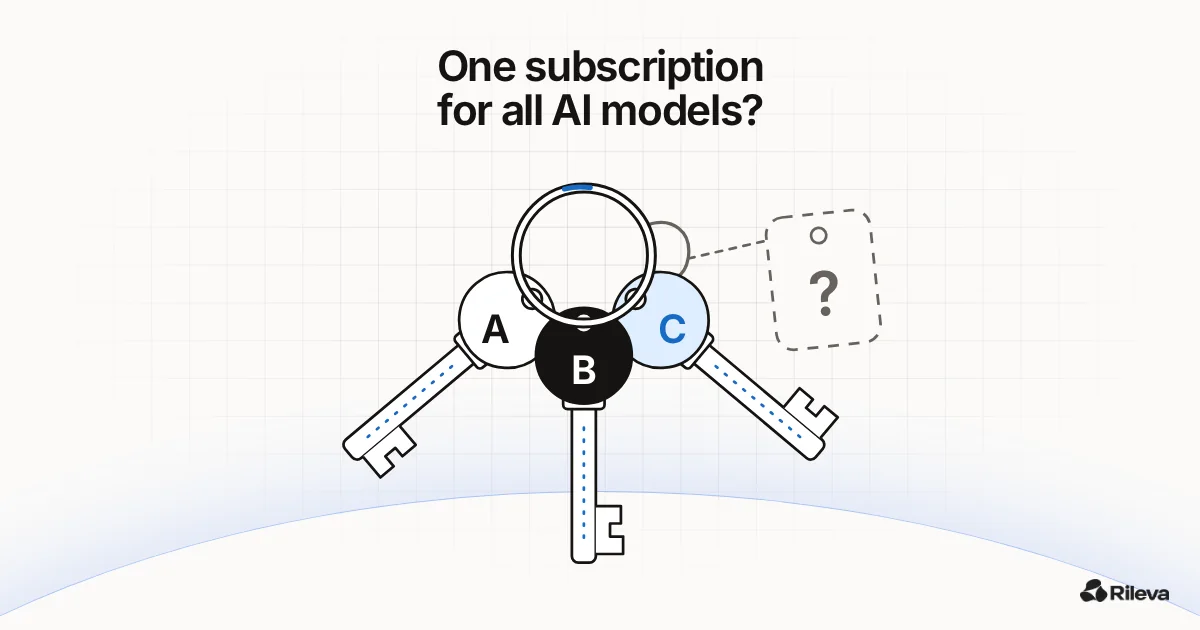
One subscription for all AI models: 7 things to check before you pay
Thinking of swapping several AI subscriptions for one? 7 things to check first: models per plan, limits, who picks the model, what native apps you'd lose.
Leonardo Cantoni, founder of Rileva
Founder of Rileva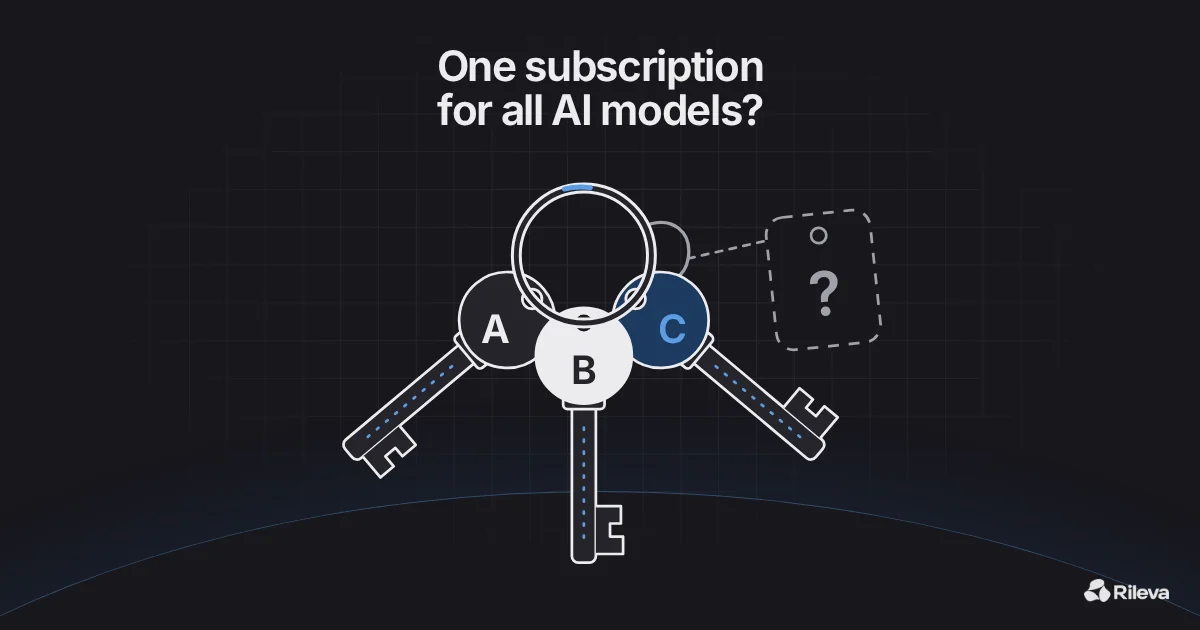
On this page 6 sections
Key takeaways
- "All AI models in one subscription" can mean four different things: stacking the labs' own plans, a multi-model subscription app, a bring-your-own-key app, or free tiers used by hand. They suit different people.
- The headline price matters less than which models the plan you'd actually buy includes, how usage is counted, and what you lose by leaving the labs' own apps.
- Multi-model apps reach the models through each lab's API. You get the model, not the lab's app: things like coding agents and office add-ins usually stay behind.
- Yes, Rileva is one of these apps and this is our blog. We say where it's weaker, and the checklist works for any app.
If you pay for ChatGPT Plus and Claude Pro, that's $40 a month before tax, and adding Google's plan makes it three bills. One app with models from every lab sounds like the obvious fix, and there are now dozens of them. Some are a good deal. Some quietly leave out the models you wanted, or meter usage in ways you only discover mid-month.
This guide gives you a checklist you can run against any of them in about half an hour. We checked the plans and prices below on each vendor's own page on 11 October 2026. Plans change often, so treat the specifics as a snapshot and the questions as the part that lasts.
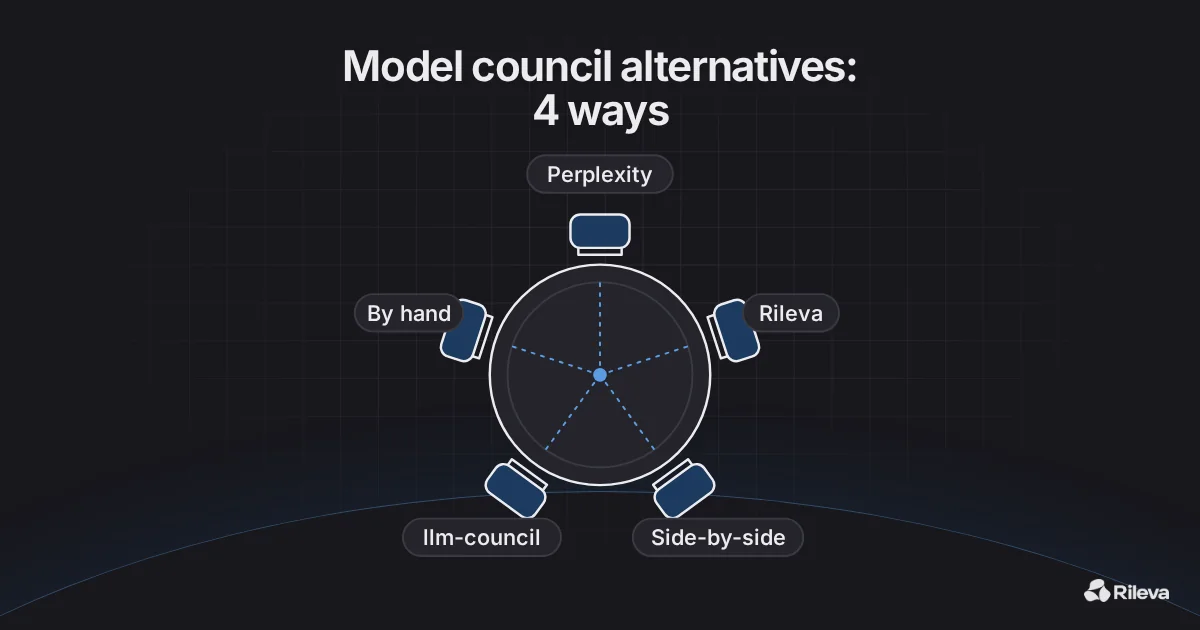
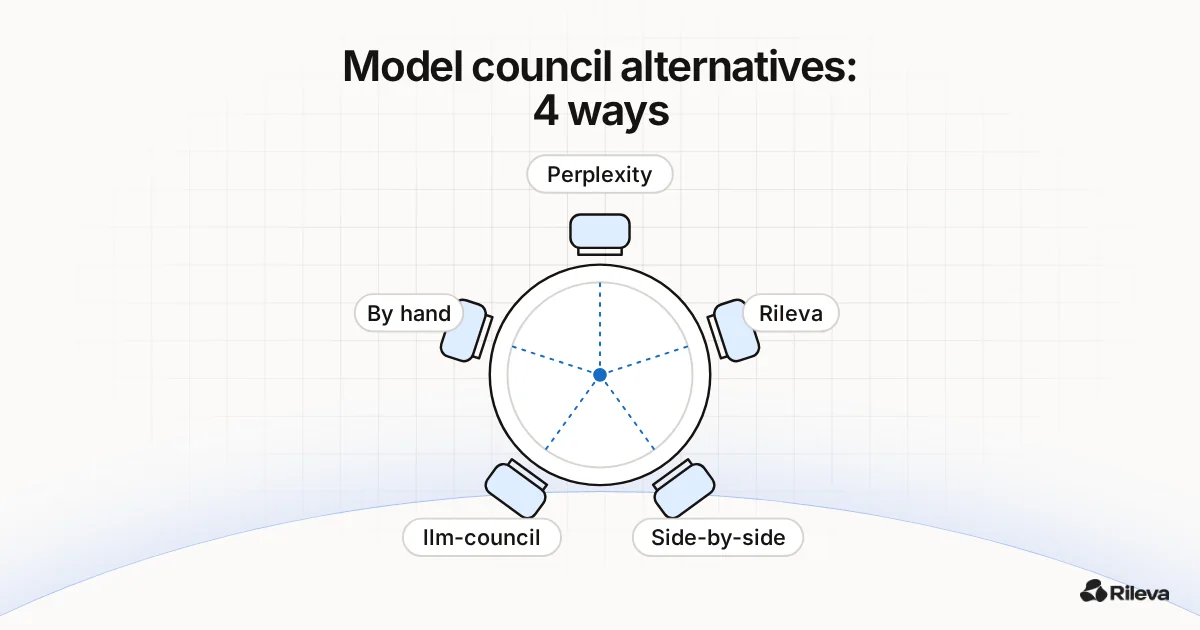
Four ways to get several AI models
Before comparing apps, be clear about which kind of "one subscription" you mean.
| How you pay | What you get | Who it suits | |
|---|---|---|---|
| 1. Stack the labs' own plans | One subscription per lab (ChatGPT Plus is $20 a month; Claude Pro is $20 monthly or $17 a month billed yearly) | Each lab's full app, its own tools and its own limits | People who use each app's own features every day |
| 2. A multi-model subscription app | One monthly fee (e.g. Magai from $20 a month; Rileva Plus €18 a month, or $18 in the US) | Models from several labs in one chat app | People who mostly chat, write and analyse, and want one bill |
| 3. A bring-your-own-key app | A one-off licence plus what you use on each lab's API (e.g. TypingMind licences from $39 once) | A chat app you connect to your own API keys | Technical users who want pay-per-use and control |
| 4. Free tiers, by hand | Nothing but time | Each lab's free plan, in separate tabs | Light or occasional use |
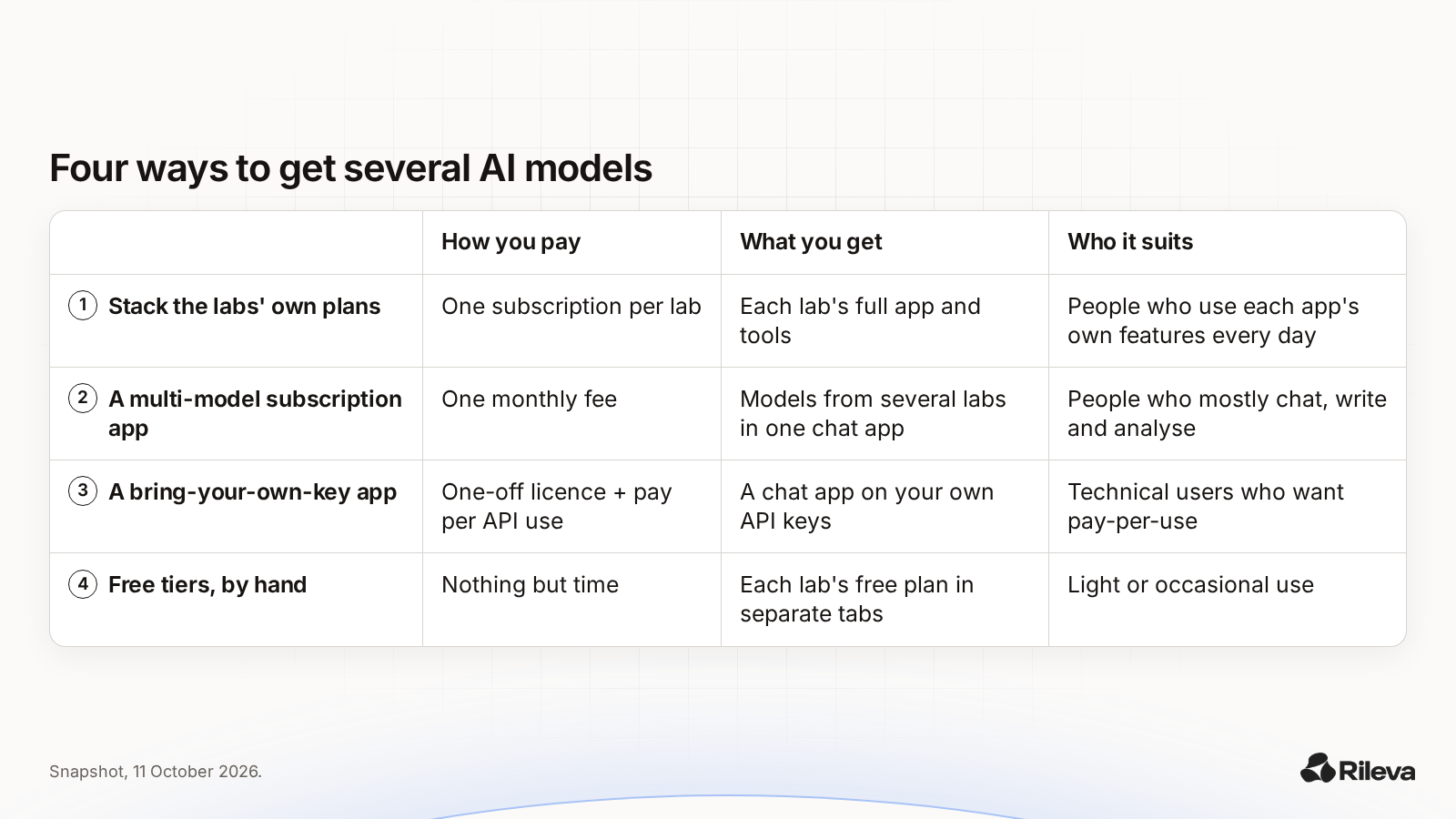
Prices as shown on chatgpt.com, help.openai.com, claude.com, magai.co, typingmind.com and rileva.ai on 11 October 2026, before tax. Google's AI Pro plan shows its price per country on Google's own page, so check it for yours.
The rest of this guide is mostly about option 2, because that's what people searching for "one subscription for all AI models" usually want. Option 3 comes up where it changes the answer.
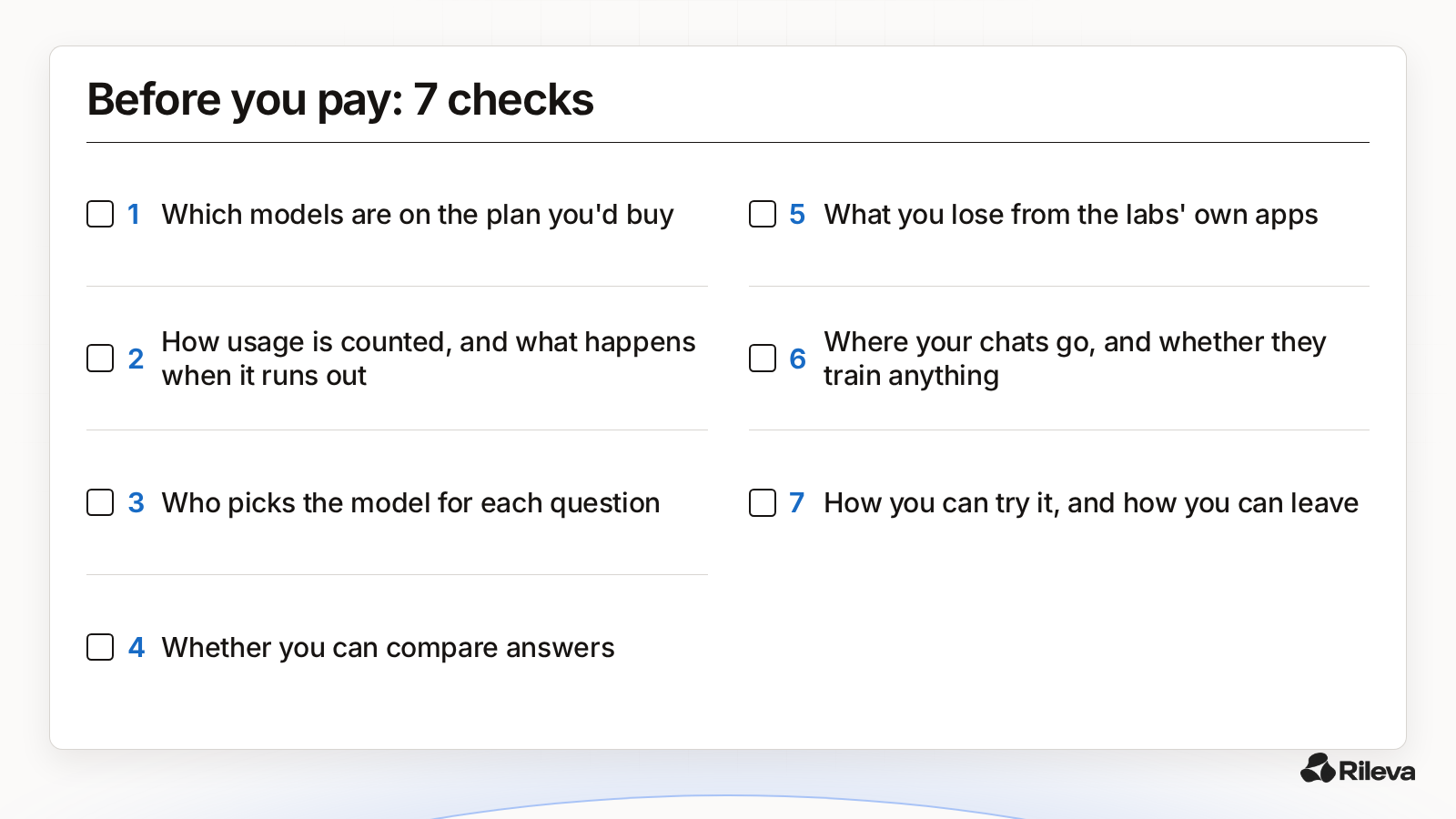
The 7 things to check
1. Which models are on the plan you'd actually buy
Read the plan table, not the homepage. "Every model" on a landing page sometimes means "every model, on the higher tier".
An example from our check: Magai's cheapest plan ($20 a month) lists "All Standard Models + Tools", while "All Premium Models + Tools" starts on Pro at $40 a month. Magai's own table describes premium models as the most expensive ones, "like the top GPT and Claude tiers". That isn't hidden, it's in the table. But if the top Claude or GPT tier is the reason you're shopping, the price you compare is $40, not $20.
Ask: are the models I use today on this plan, by name? How soon do new models arrive? Are older models removed, and when?
2. How usage is counted, and what happens when it runs out
Every plan has a limit. They just count it differently:
- The labs' own plans use limits that reset over time. Claude's pricing page says every plan has limits that reset on a rolling five-hour window, with weekly limits on top for paid plans, and "no fixed message count". OpenAI's help centre says Plus "may include usage limits such as message caps, especially during high demand".
- Multi-model apps usually give you a monthly allowance. Magai describes it as a dollar amount of usage ($20, $40 or $200 a month) with top-ups. Rileva uses monthly credits.
- Bring-your-own-key apps have no plan limit: you pay each lab per use, so the limit is your bill.
Ask: what does a heavy day cost me, in limits or in money? What happens when I run out: a slower model, a top-up, or a hard stop until next month? Does unused allowance roll over?
For Rileva, honestly: credits reset each month and don't roll over, and when they run out new answers stop until the next month or an upgrade. Your chat history stays readable. A Council answer uses more of your monthly credits than an Auto answer.
3. Who picks the model for each question
Three designs, and none is right for everyone:
- You pick every time. Full control, more decisions. Most apps let you switch mid-chat.
- The app picks (often called auto-routing). Less to think about, but you should be able to see which model answered and override it.
- Several models answer and you, or a summary, compare them.
Ask: can I always see which model wrote an answer? Can I pin one model when I want consistency? If the app routes automatically, is there a plain explanation of how?
In Rileva, Auto picks the model with a fixed set of rules (it sorts your message into a type of task, like coding, writing or research, then scores the models available for it). No AI model makes that choice. You can also choose a specific model yourself.
4. Whether you can compare answers, not just switch
Having many models is only useful if you can see where they differ. Switching models mid-chat lets you ask again. Side-by-side apps show several answers at once and leave the comparing to you. A council goes one step further and writes up where the answers agree and differ.
Rileva's Council, for instance, asks 3 models from 3 different labs at once, from a set lineup for that type of question. Each answers on its own; one model groups the answers without knowing which model wrote which, and GPT-6 Astra writes the summary: the short answer, where they agree, where they differ and why, and what it depends on. In the default lineups, GPT-6 Astra is also one of the 3 models that answer. You can read every full answer next to the summary. Our LLM council guide explains the method, including how to do it by hand for free.
Ask: can I get two or three answers to the same question without copy-pasting? If there's a summary, can I still read every original answer?
5. What you lose by leaving the labs' own apps
This is the check most comparison pages skip, and the one most likely to change your mind.
A multi-model app connects to each lab through its API. Magai says so plainly in its FAQ: it "talks to each provider's API on your behalf". You get the model's answers. You don't get the lab's app around it. From the labs' own pricing pages on 11 October 2026, a few things that come with the native plans:
- ChatGPT Plus: Codex, ChatGPT Work on desktop, web and mobile, deep research, scheduled tasks and custom GPTs, plus extensions for Excel, Word, PowerPoint and Google Sheets.
- Claude Pro: Claude Code, Claude in Chrome, Claude for Microsoft 365 and Outlook, Research, and Projects.
- Google AI Pro: Gemini inside Gmail, Docs and other Google apps, plus 5 TB of cloud storage.
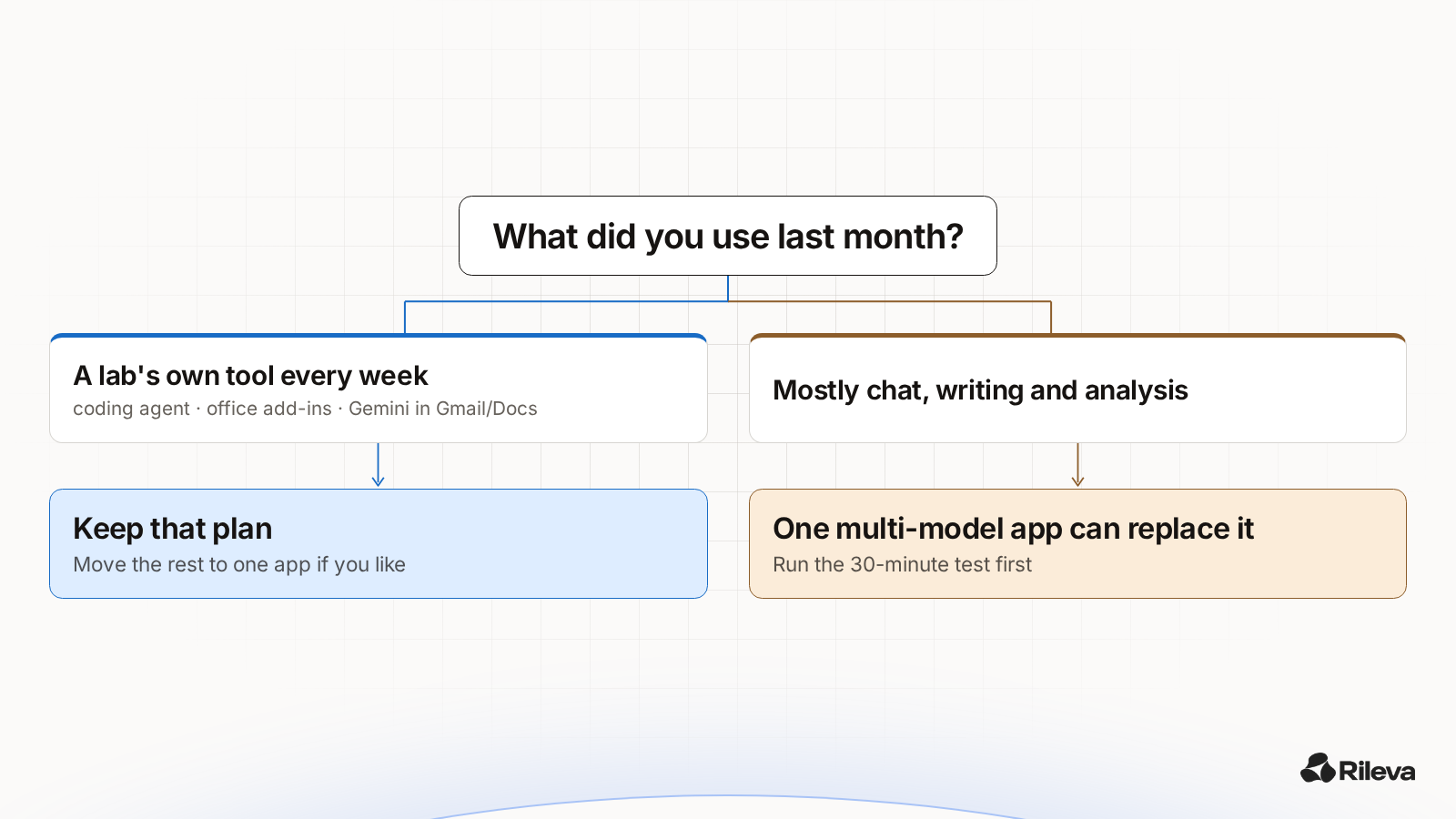
If you use any of those every week, especially a coding agent like Codex or Claude Code, keep that subscription. A multi-model chat app is a replacement for chatting with several labs, not for their whole product.
Multi-model apps add their own tools, of course: projects, file uploads, image generation, and connectors to apps such as Gmail or Notion. Just check that the ones you rely on are there.
Ask: which native features did I use in the last month? Would I miss them, or did I only use the chat?
6. Where your chats go, and whether they train anything
Read each app's privacy page before you move your work over. Points worth checking:
- Training. Both Claude's and OpenAI's consumer plans describe training as something you can opt out of. A multi-model app has its own policy, and the labs' API terms apply behind it.
- Storage. Some apps keep chats on their servers; some don't. TypingMind, for example, says chats and your API key are stored locally in your browser by default, with an optional cloud sync you turn on separately.
- Moving your history. Some apps import ChatGPT or Claude conversations (Magai lists both). Check whether you can export them again if you leave.
Ask: is my data used for training, and can I turn that off? Where are chats stored? Can I export them?
7. How you can try it, and how you can leave
From our check on 11 October 2026:
- Magai: no free trial; a 30-day money-back guarantee on every plan.
- TypingMind: a free version with basic features; a 14-day money-back guarantee on licences.
- Claude: payments are "generally non-refundable", except where its terms or local law say otherwise; in the EEA and UK you can request a refund in the app within the 14-day withdrawal period.
- OpenAI: you can request a refund through its help centre; Plus is billed monthly, with no annual option.
- Rileva: 2 free answers without an account (a Council counts as one of them), then 40 free credits when you sign up, no card. Plus is €18 a month ($18 in the US), and your first Plus payment has a 14-day money-back guarantee.
Ask: can I test it on my own work before paying? If I pay and it's not for me, what's the exit?
A 30-minute test before you switch
Don't decide from feature lists. Run the app you're considering against your real week.
- Pick 3 real tasks from the last two weeks: one you do often, one that mattered, one that was hard. Use the real text, with anything private removed.
- Run each task in your current app and in the candidate, using the same models where you can.
- Score each pair with four yes/no questions: was it usable without a rewrite? Did it get the facts of my situation right? Did it miss something the other caught? Could I do this here without the native app's tools?
- Write down what you used in the native app during those tasks (a coding agent, an add-in, a connector). That list is what you'd lose.
If the candidate keeps up on all three tasks and you didn't need any native tools, switching is probably safe. If one task needed a native tool, keep that one subscription and move the rest. We used a similar test for a narrower question, whether to keep both ChatGPT Plus and Claude Pro, in ChatGPT Plus and Claude Pro: do you need both?.
A prompt to run on each side:
Here is a real task from my week: [paste the task].
Do the task. Then list the assumptions you made, and what
you'd need to know from me to do it better.
When one subscription is the wrong call
Be honest with yourself about these:
- You live in one lab's tools. If Codex, Claude Code or Gemini in Gmail and Docs is the reason you pay, a chat app won't replace it. For coding, we compared the two most common choices in ChatGPT vs Claude for coding.
- You use one model 90% of the time. Then one native plan is simpler, and you can keep a free tier elsewhere for second opinions.
- Your use is very light or very heavy. Light users may be fine on free tiers. Very heavy users should compare their real monthly volume against a bring-your-own-key setup, where the bill tracks what you use.
Where Rileva fits, and where it doesn't
Since this is our blog, here's the plain version.
Rileva may fit if you mostly chat, write, plan and analyse; you want models from OpenAI, Claude, Gemini, Grok, Mistral and Perplexity in one place on one bill; you want the app to choose a model for you, with the option to pick one yourself; and you like being able to ask three labs at once with Council. Every plan, including the free trial, has every model and feature; plans differ only in monthly credits and requests per minute. Rileva may add web sources when a question needs them.
Look elsewhere if you need a lab's own coding agent or office add-ins, you want pay-per-use with your own API keys, or you need a mature product with a large team behind it. Rileva is young and small.
If you're comparing specific multi-model apps, our Rileva vs Poe, ChatHub and TypingMind comparison goes app by app. Plans and prices are on our pricing page.
Try the decision on your own week.
Paste your tasks into the brackets. Council asks 3 AI models from 3 different labs at once and shows where they agree, where they differ, and what it depends on.
The question is filled in for you and nothing is sent until you press send. No account needed for your first 2 answers.
FAQ
Is there one subscription that includes all AI models?
Several apps offer models from many labs on one plan, including Magai, Poe and Rileva. None includes every lab's own app features, such as coding agents or office add-ins, and some keep the most expensive models for higher tiers. Check the plan table for the models you use.
Is a multi-model app cheaper than ChatGPT Plus and Claude Pro?
Often, on paper: ChatGPT Plus and Claude Pro are $20 a month each when billed monthly, while multi-model apps start around $18 to $20 a month. The real comparison depends on which models the cheaper plan includes and how much usage it allows.
Do multi-model apps use the same models as ChatGPT and Claude?
They usually reach the same models through each lab's API, but the app around them is different. System instructions, tools, limits and features like coding agents differ from the labs' own apps.
What do I lose if I cancel ChatGPT Plus or Claude Pro?
The lab's own tools. On 11 October 2026, ChatGPT Plus included Codex, ChatGPT Work, deep research and office extensions, and Claude Pro included Claude Code, Claude in Chrome and Claude for Microsoft 365. If you use those, keep that plan.
Can I try Rileva for free?
Yes. Guests get 2 free answers, and a Council run counts as one of them. After that, signing up gives you 40 free credits, no card needed.
Does every Rileva plan include every model?
Yes. Every plan, including the free trial, includes every model and feature. Plans differ in monthly credits and requests per minute. Plus is €18 a month, or $18 in the US.